


• Home
  • Startup
  • Money & Finance
  • Starting a Business
    • Branding
    • Business Ideas
    • Business Models
    • Business Plans
    • Fundraising
  • Growing a Business
  • More
    • Innovation
    • Leadership
Trending

Why Conversational Commerce is the Future of Shopping

May 29, 2025

10 Leadership Myths You Need to Stop Believing

May 29, 2025

Tesla’s Layoffs Won’t Solve Its Growing Pains

May 29, 2025
Facebook Twitter Instagram
  • Newsletter
  • Submit Articles
  • Privacy
  • Advertise
  • Contact
Facebook Twitter Instagram
InDirectica
  • Home
  • Startup
  • Money & Finance
  • Starting a Business
    • Branding
    • Business Ideas
    • Business Models
    • Business Plans
    • Fundraising
  • Growing a Business
  • More
    • Innovation
    • Leadership
Subscribe for Alerts
InDirectica
Home » New Users Report Serious Issues
Innovation

New Users Report Serious Issues

adminBy adminSeptember 24, 20230 ViewsNo Comments3 Mins Read
Facebook Twitter Pinterest LinkedIn Tumblr Email

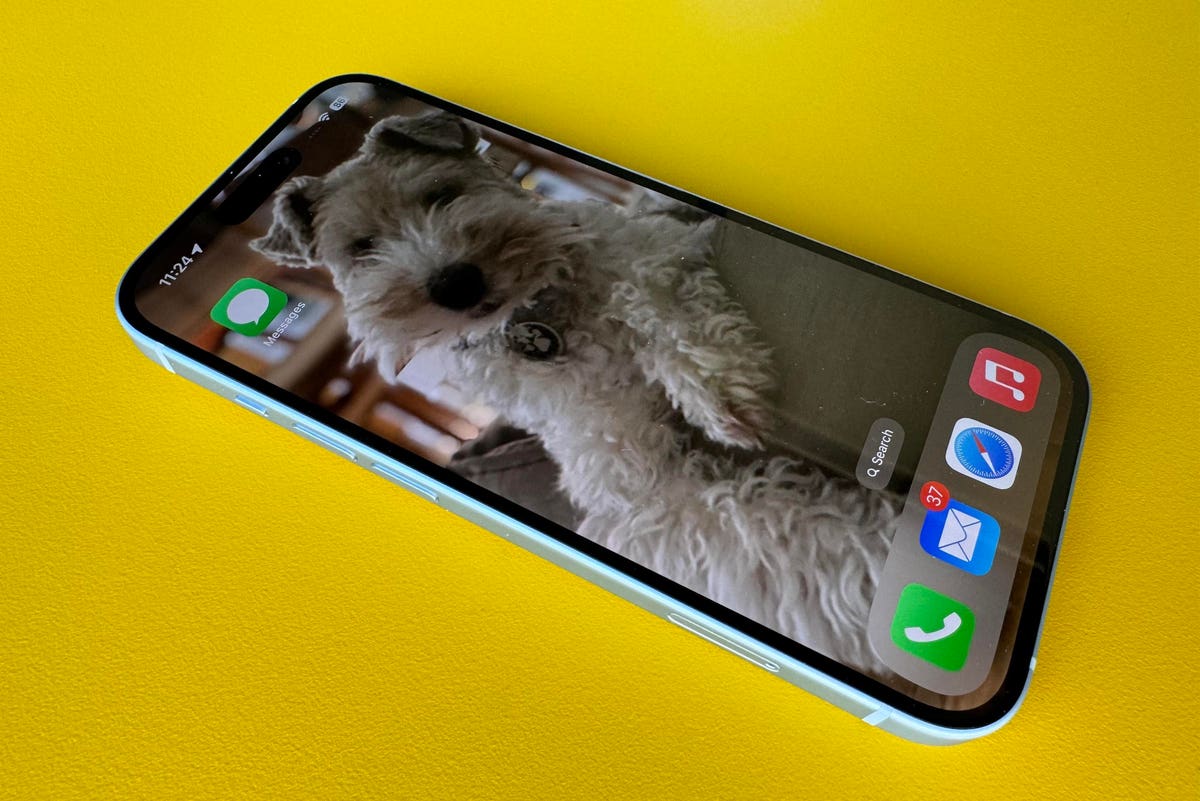
The new iPhones are out, and flying off the shelves. No wonder, they’re splendid upgrades. But it now seems that buyers are encountering issues which can leave them in an Apple logo loop of death as they set up their new pride and joy. Well, it’s a loop but nobody actually dies, you understand. Though your faith in Apple might be momentarily wounded, for sure.

Anyway, here’s what’s going on and how to ensure you don’t encounter that frustrating logo loop that takes you nowhere. And just to mention this was not a problem I had with the iPhones I have been testing, so it’s not universal—but better safe than sorry.

Apple iPhone 15 Shipped With A Bug

That’s the description by Bloomberg’s Mark Gurman in his latest Power On newsletter, where he says, “All iPhone 15 models shipped with a bug that could render the device inoperable if users choose to transfer over their information directly from an old iPhone.”

Apple has already addressed this with an update, iOS 17.0.2 (users of earlier iPhones can update to iOS 17.0.1—full details here).

Here’s What Should Happen

When you take your gleaming new iPhone 15, iPhone 15 Plus, iPhone 15 Pro or iPhone 15 Pro Max out of its box, the initial set-up should prompt you to update to iOS 17.0.2 as you do so. Obviously, you should do this.

But it seems that some buyers are reporting that this prompt didn’t appear and iOS 17.0.2 wasn’t mentioned. In these cases, the process reached the point where you transfer data from your old iPhone to the new one. But the bug can cause the transfer to stall, and leave you on the Apple logo endlessly. It’s not yet clear how widespread this is, but Apple has a solution.

If This Happened To You

There’s a new Apple support page, headed, “If your new iPhone gets stuck on the Apple logo when you transfer from your previous device,” and it explains that if you choose to transfer data from another iPhone, you could get stuck. Here’s the solution.

1. first, you need to reset the new iPhone. Connect it to a computer with a cable and perform these steps: press and quickly release the volume up button, then press and quickly release the volume down button.

2. Now move your attention to the other side of the phone and press and hold the side button. Keep it pressed while the Apple logo appears and don’t let go until you see an image of a computer and cable.

3. Locate the new iPhone in the Finder or iTunes.

4. Choose Restore (NOT update).

5. On the restored iPhone start the set-up process, installing iOS 17.0.2 as you go.

6. Transfer the apps and data.

7. Breathe a sigh of relief and enjoy your new phone.

Here’s Another Way

If you haven’t done anything yet, you could set the phone up as new, with no data transfer. Then, go to the Settings app and install iOS 17.0.2 . Then restore your iPhone and set up the phone again with your data.

To be honest, it’s not what you want to encounter on day one of acquaintanceship with your new phone. But it’s not an insuperable problem.

Good luck.

Read the full article here

Share. Facebook Twitter Pinterest LinkedIn Tumblr Email

Related Articles

Going Eco Benefits Planet And This Hotel’s Bottom Line

Innovation May 29, 2025

What IBM’s Deal For HashiCorp Means For The Cloud Infra Battle

Innovation April 25, 2024

Is Telepathy Possible? Perhaps, Due To New Technology

Innovation April 24, 2024

Luminar Launches Production For Volvo, Shows Next-Gen Halo Lidar

Innovation April 23, 2024

Turning Customers Into Investors – Tiny Health’s Experience

Innovation April 22, 2024

Netflix’s Best New Original Series Is Stressing Me Out

Innovation April 21, 2024
Add A Comment

Leave A Reply Cancel Reply

Editors Picks

Why Conversational Commerce is the Future of Shopping

May 29, 2025

10 Leadership Myths You Need to Stop Believing

May 29, 2025

Tesla’s Layoffs Won’t Solve Its Growing Pains

May 29, 2025

Going Eco Benefits Planet And This Hotel’s Bottom Line

May 29, 2025

What IBM’s Deal For HashiCorp Means For The Cloud Infra Battle

April 25, 2024

Latest Posts

The Future of Football Comes Down to These Two Words, Says This CEO

April 25, 2024

This Side Hustle Is Helping Land-Owners Earn Up to $60,000 a Year

April 25, 2024

A Wave of AI Tools Is Set to Transform Work Meetings

April 25, 2024

Is Telepathy Possible? Perhaps, Due To New Technology

April 24, 2024

How to Control the Way People Think About You

April 24, 2024
Advertisement
Demo

InDirectica is your one-stop website for the latest news and updates about how to start a business, follow us now to get the news that matters to you.

Facebook Twitter Instagram Pinterest YouTube
Sections
  • Growing a Business
  • Innovation
  • Leadership
  • Money & Finance
  • Starting a Business
Trending Topics
  • Branding
  • Business Ideas
  • Business Models
  • Business Plans
  • Fundraising

Subscribe to Updates

Get the latest business and startup news and updates directly to your inbox.

© 2026 InDirectica. All Rights Reserved.
  • Privacy Policy
  • Terms of use
  • Press Release
  • Advertise
  • Contact

Type above and press Enter to search. Press Esc to cancel.